Disclaimer: Die Inhalte, die du auf dieser Seite siehst, wurden mit Hilfe von KI übersetzt. Wenn du Feedback zur Übersetzung hast, kontaktiere uns bitte.
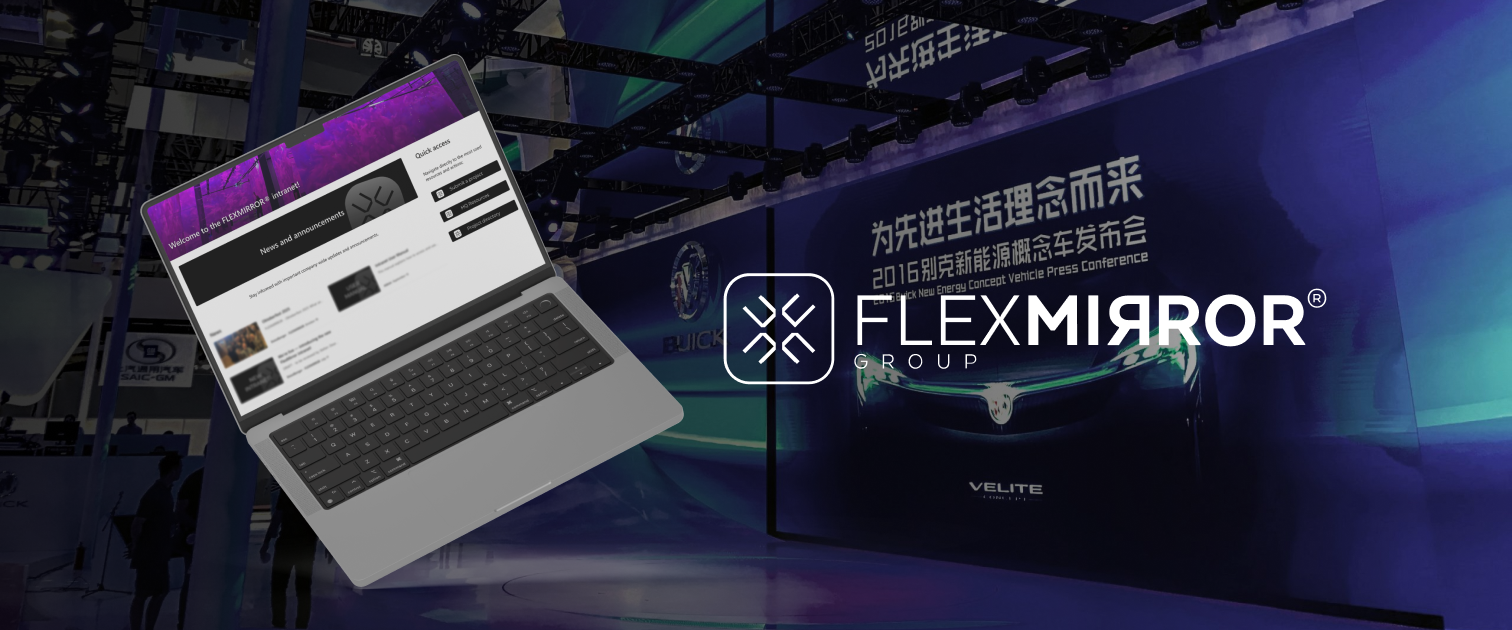
FlexMirror Group needed a unified intranet to connect partners worldwide, simplify collaboration, and centralize brand resources and project reporting. The new platform enables all partners to submit projects, share materials, and access HQ-provided templates and data dashboards securely through Microsoft 365.
FlexMirror operated across more than a dozen partner regions, each managing information independently. The lack of a shared intranet caused delays, inconsistent communication, and outdated materials circulating across teams. The company needed a single digital workspace that would align partners globally — combining project sharing, brand consistency, and performance tracking in one environment.
Create a secure intranet accessible to all partners.
Centralize projects, templates, and brand materials.
Create a secure intranet accessible to all partners.
We designed a modular intranet in SharePoint Online, ensuring intuitive navigation and consistent branding across partner sites.
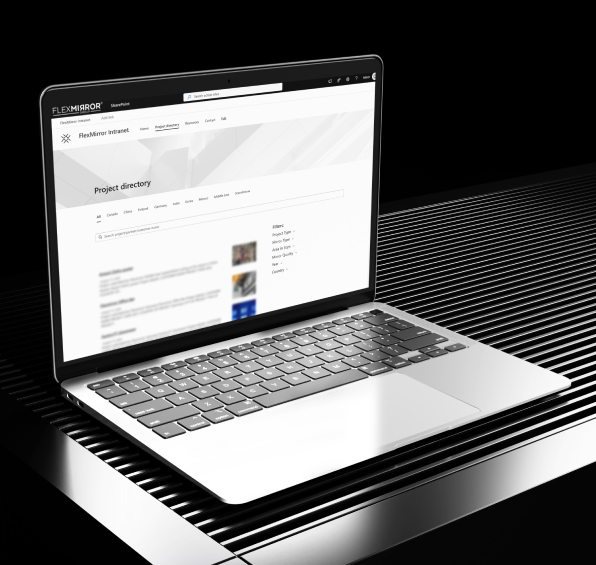
A Microsoft Form connected to SharePoint automates project uploads, creating entries with images and descriptions visible to all partners.
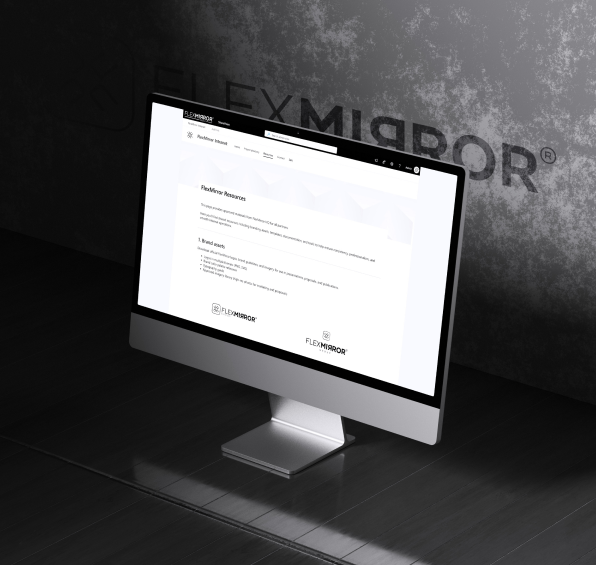
We developed a central “Resources” section for approved brand assets, templates, and imagery, ensuring all partners use up-to-date materials.
Partner access was configured through Microsoft 365 Groups, ensuring security while simplifying onboarding.
Custom dashboards were created for partner-level performance tracking, integrated directly into SharePoint pages.
HQ administrators received a step-by-step manual and training to manage news, updates, and partner content independently.
We designed a modular intranet in SharePoint Online, ensuring intuitive navigation and consistent branding across partner sites.
A Microsoft Form connected to SharePoint automates project uploads, creating entries with images and descriptions visible to all partners.
We developed a central “Resources” section for approved brand assets, templates, and imagery, ensuring all partners use up-to-date materials.
Partner access was configured through Microsoft 365 Groups, ensuring security while simplifying onboarding.
Custom dashboards were created for partner-level performance tracking, integrated directly into SharePoint pages.
HQ administrators received a step-by-step manual and training to manage news, updates, and partner content independently.

Step 1
Step 2
Step 3
Step 4
The FlexMirror intranet now serves as the global communication and resource center for all partners. It has streamlined collaboration, reduced duplicated work, and improved the consistency of external materials. Partners can easily publish projects, download brand assets, and access the latest updates from HQ within a single, user-friendly platform.

10
Global partner sites connected
100
+
Projects centralized
1
Platform for news, assets & reporting
Let's chat about your ideas and see how we can bring them to life. Drop us a message, and let's start this awesome journey together!


Wir zeigen dir echte Beispiele, wie die richtige Technologie deinem Unternehmen hilft, schneller zu wachsen und reibungsloser zu laufen.
.svg)
.svg)